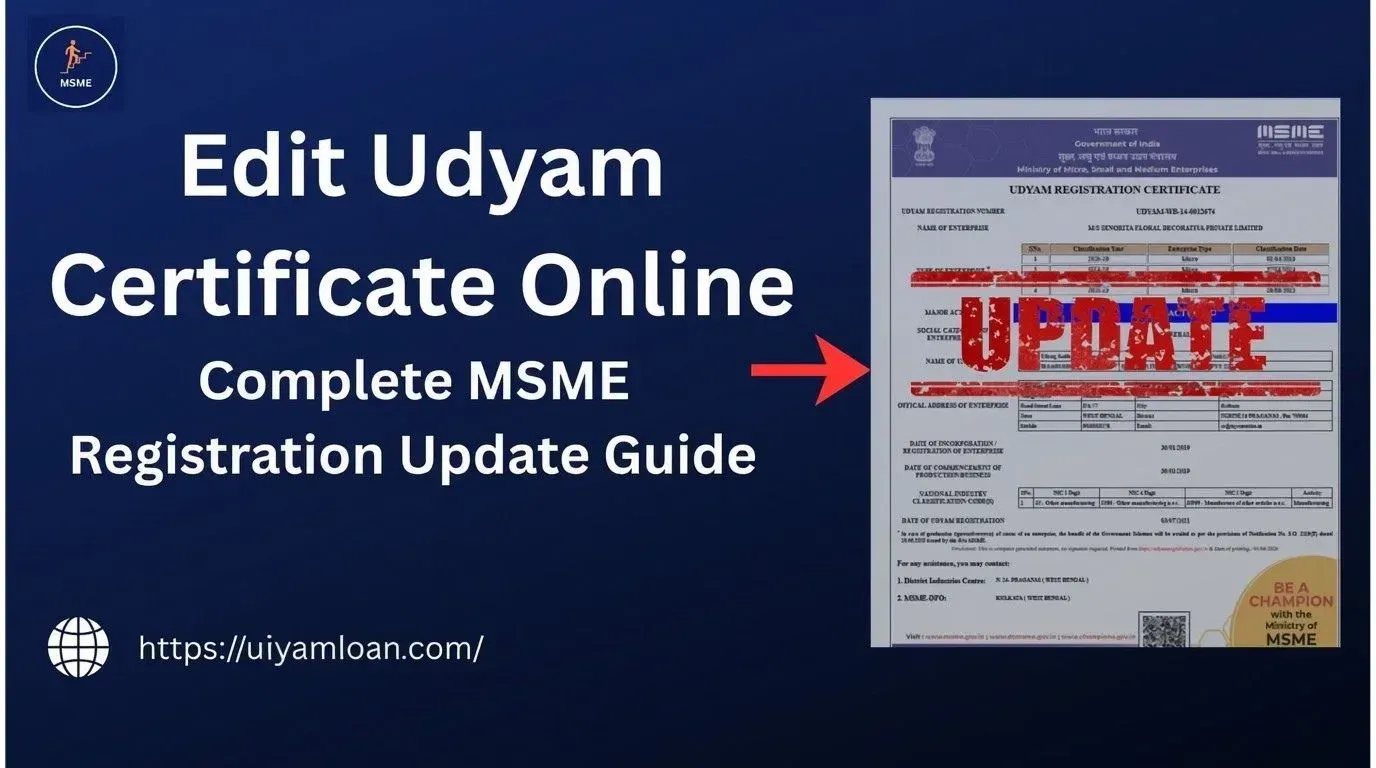
Your business details will be updated after obtaining Udyam Registration. You can update your contact details, business activity, address, or any other information related to your MSME profile.
“How can you change the details in my Udyam Registration ?”
No need to apply for a new Udyam Registration if your business particulars have changed. The official Udyam portal offers an online service for registered industries to view their registration details. The Udyam Registration number is a one-time number that is allotted to the enterprise.
Updating Udyam Registration details means making the necessary correction or modification in the details of your existing MSME registration under applicable circumstances.
You may need to check and update your Udyam details when:
Your Udyam Registration Number remains the permanent identity number assigned to the enterprise.
Wrong or old information may mislead and cause you trouble while using your MSME details for business applications.
For instance, if your registered contact details have changed, you could have trouble during verification or while accessing your Udyam document.
Keeping your details accurate can help you:
The information displayed in the Udyam record includes details such as the enterprise name, organisation type, enterprise type, official address, mobile number, email, NIC codes, and other enterprise information.
Depending on the information and the portal's available options, you may need to review:
Some details may not be changeable manually or may require verification through the relevant government records.
Important: Not every field can necessarily be edited manually. Some information is linked to Aadhaar, PAN, GST, or other government data. Investment and turnover information, for example, can be sourced from government databases.
You should review your Udyam information when there is a relevant change in your business. Common situations include:
Do not follow a fixed “30-day update” rule unless the official portal specifically gives that deadline for your particular update. Instead, check and update relevant information as soon as reasonably required.
Follow these simple steps for MSME Certificate Update:
Go to the Udyam Registration Portal
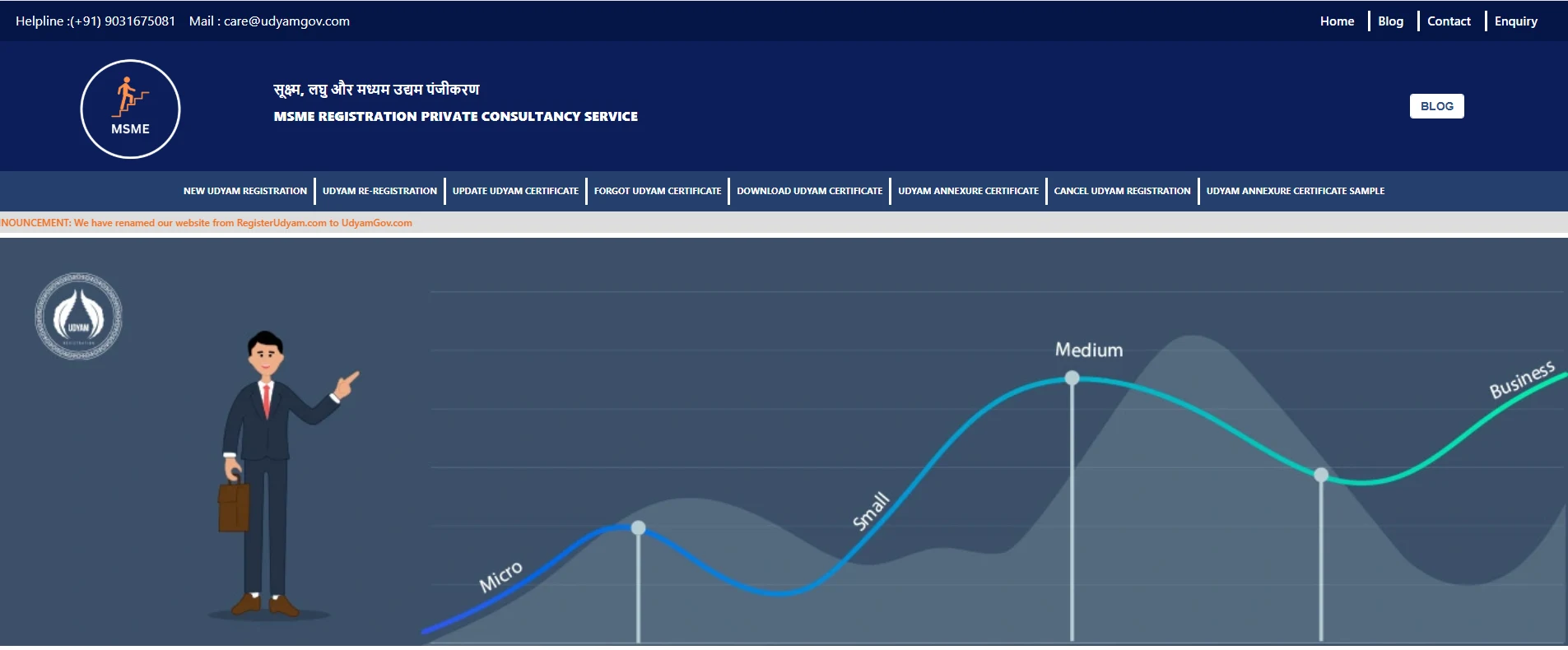
Click on the “Update Udyam Certificate” Option
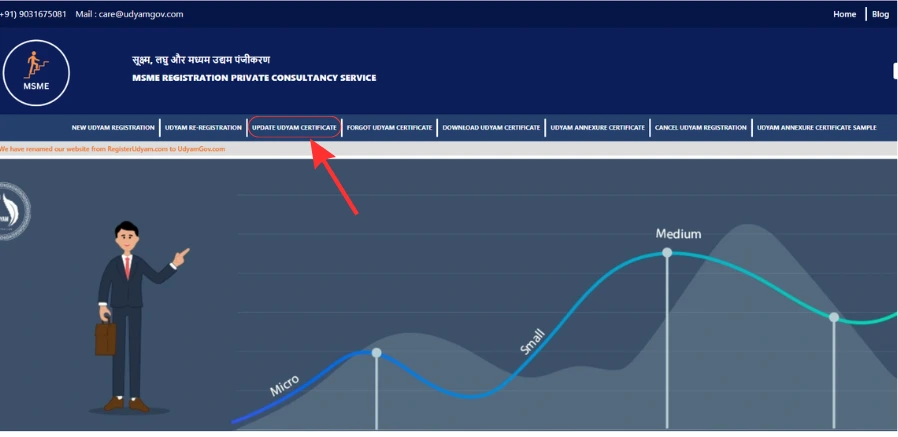
Enter your Udyam Registration Number, registered mobile number, and email ID.
Choose the Option to receive an OTP.
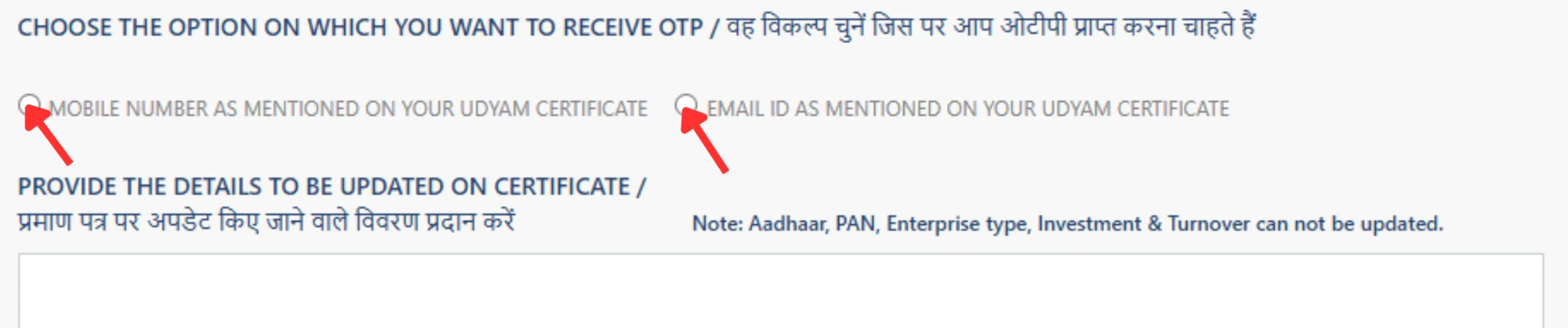
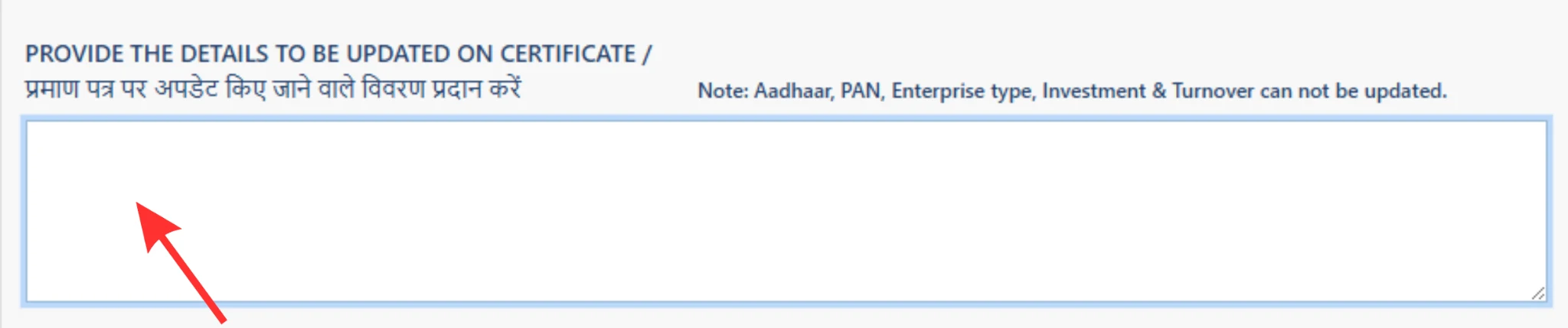
Enter the information that needs to be updated on the certificate.
Enter the verification code given below
Submit the Update request. If you are using a private consultancy service, a professional service fee may apply.
Download your updated Udyam Certificate.
For example, PAN and Aadhaar are used in the Udyam registration and verification process, while PAN/GST-linked investment and turnover information can be taken from government databases.
Do not create another Udyam Registration just because one detail cannot be edited.
First, check the official portal instructions or applicable correction/grievance process for that specific issue.
Note: Need to Download your Udyam Annexure? Get it easily through our website.
The Udyam portal currently lists a government process for grievances related to discrepancies or update requests.
After making an update, don't immediately assume everything is correct. Open your latest Udyam record/certificate and check:
The official Udyam certificate contains a dynamic QR code through which the enterprise details can be accessed on the portal.
Before you finish, check these points:
This small check can help you catch mistakes early.
Keeping your Udyam information accurate is important because your MSME record should reflect your current business details.
If your eligible business information has changed, check the Udyam update facility instead of creating a second registration. Review the information carefully, complete the required verification, and check your latest certificate after the update.
If a particular field cannot be changed, don't guess or create another Udyam number. Check the applicable official correction or grievance process for that specific issue.
Need to update your Udyam details? Apply Now for Udyam Certificate Update Assistance.
Yes, registered enterprises can access the Udyam system online and use the applicable facility to manage/update eligible information.
No. The Udyam Registration Number is a unique identification number allotted to the enterprise.
If the applicable update facility allows the change, you can update the relevant contact information through the available process. You may need OTP verification using the registered contact details.
PAN is linked with the Udyam verification/classification process, so it should not be treated like a normal editable field. If your PAN information is incorrect, follow the applicable official correction or grievance process rather than creating another Udyam registration.
Not simply because some eligible business information has changed. The official portal states that an enterprise should not file more than one Udyam Registration.
Verify the information given first. If the issue persists, raise the matter for discrepancy or updating through the relevant Udyam grievance/support system.
Disclaimer: This article is for general informational purposes only. We are a private consultancy and are not affiliated with or authorized by the Government of India. Udyam Registration and certificate updates are subject to the applicable government rules and portal processes. Some details may not be directly editable and may require verification or an official correction/grievance process. Our consultancy provides private assistance with Udyam Registration and related update services.
This article has been prepared by Udyam Registration Consultancy, a dedicated consultancy that assists with Udyam Registration, certificate updates and corrections, as well as other MSME procedures in a simple and easy-to-comprehend manner for the benefit of businesses.
Last Updated: August 2026